 Fun Decryption
 How do I delete a RAR file with a password? How to decrypt RAR
If your RAR file is set to an open password, opening the file is like hitting a wall with no way out. What should I do? Here is a solution to help you solve this problem easily.
Not uploading original file
To ensure privacy, we do not upload the original file; instead, we extract the hash value for online calculation. This way, your file data does not leave your local machine, and there is no risk of leakage.
Processing RAR files

Using our tool, simply upload the RAR file, select the password you want to remove, and the system will process it automatically. Supports RAR format, with no file size limit, and no more than 3 processing steps.
Understanding Risks and Limitations

Password protection of RAR files can be inconvenient, but there is also a risk — — that the file cannot be opened once the password is lost. Therefore, regular backups are very important. At the same time, RAR files do not support encrypting the contents of the file; they only protect the file itself from being opened.
Privacy and Data Security
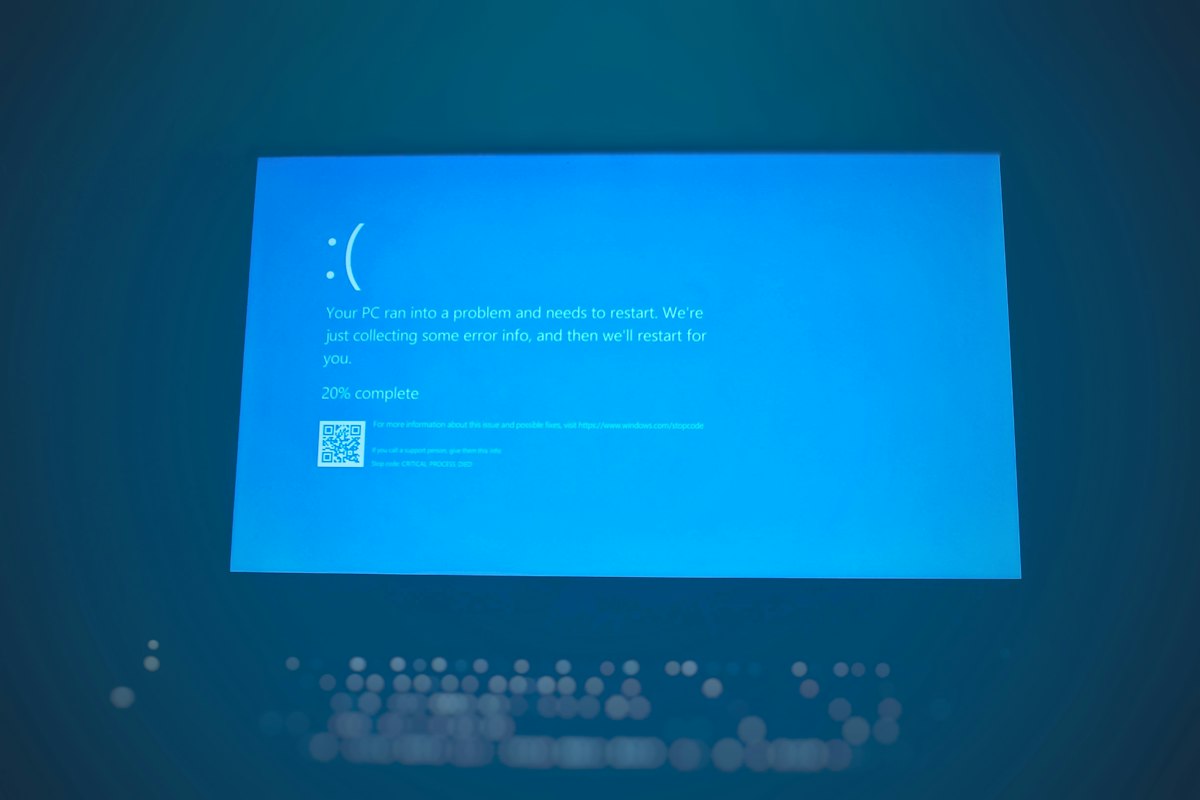
We promise that all processing is done locally and no files are uploaded to the server. Ensure your data is secure and your privacy is worry-free. During operation, all information is transmitted encrypted and will not be obtained by third parties.
Precautions
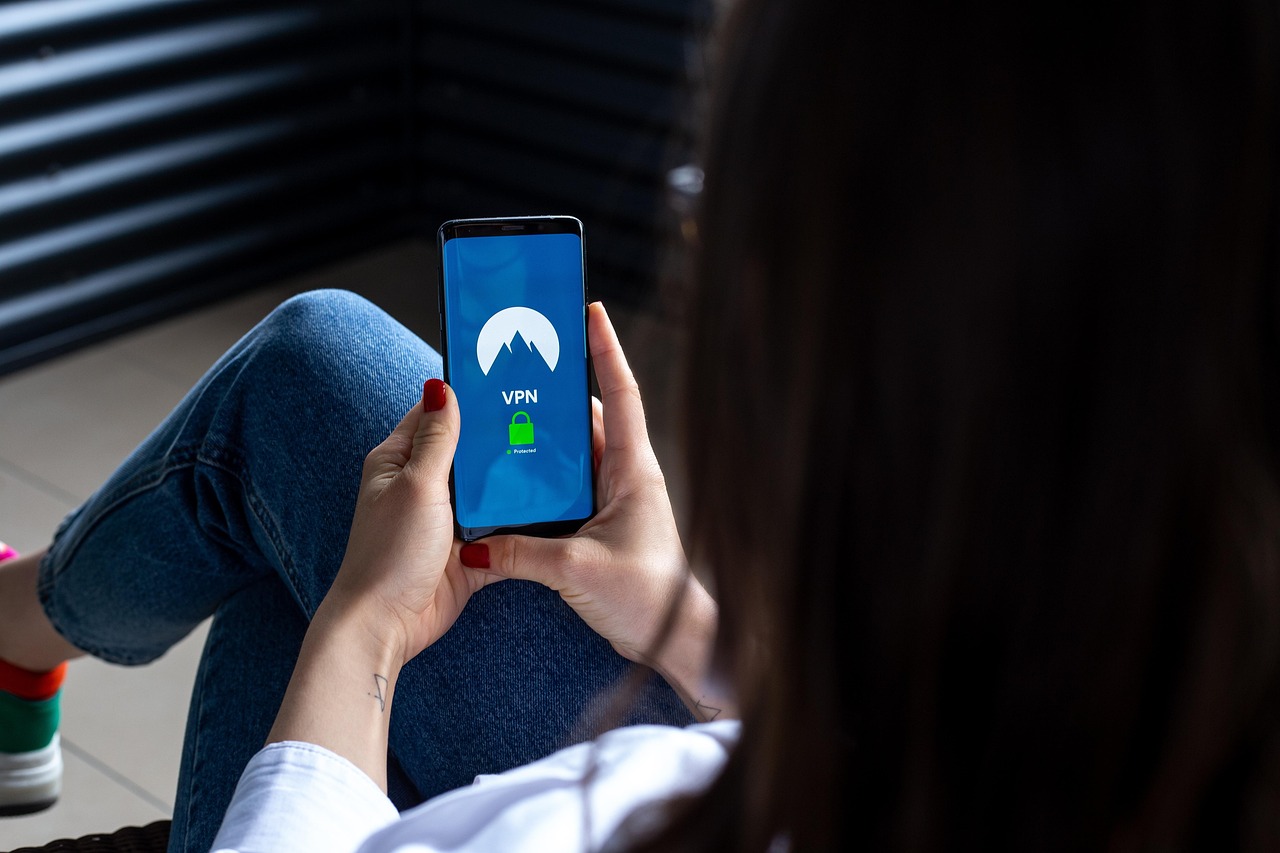
During use, please pay attention to the backup and storage security of files. If the document is important information about your organization or company, please handle it carefully to avoid leaking the information.
After processing, the RAR file can be used immediately. Supports all common RAR file operations, including viewing, extracting, copying, etc. The operation time is based on the page display and usually does not exceed 10 minutes.
Click Here to Remove RAR File Password NowLearn Fees
Please note that after the RAR file is processed, it may take some time before it can be used again. Do not close your browser during processing to avoid affecting the processing progress.
If you encounter any problems during use, please feel free to contact us. We will provide you with assistance as soon as possible.
Hope this guide helps you!